
happy timer
the clock the whole room can read
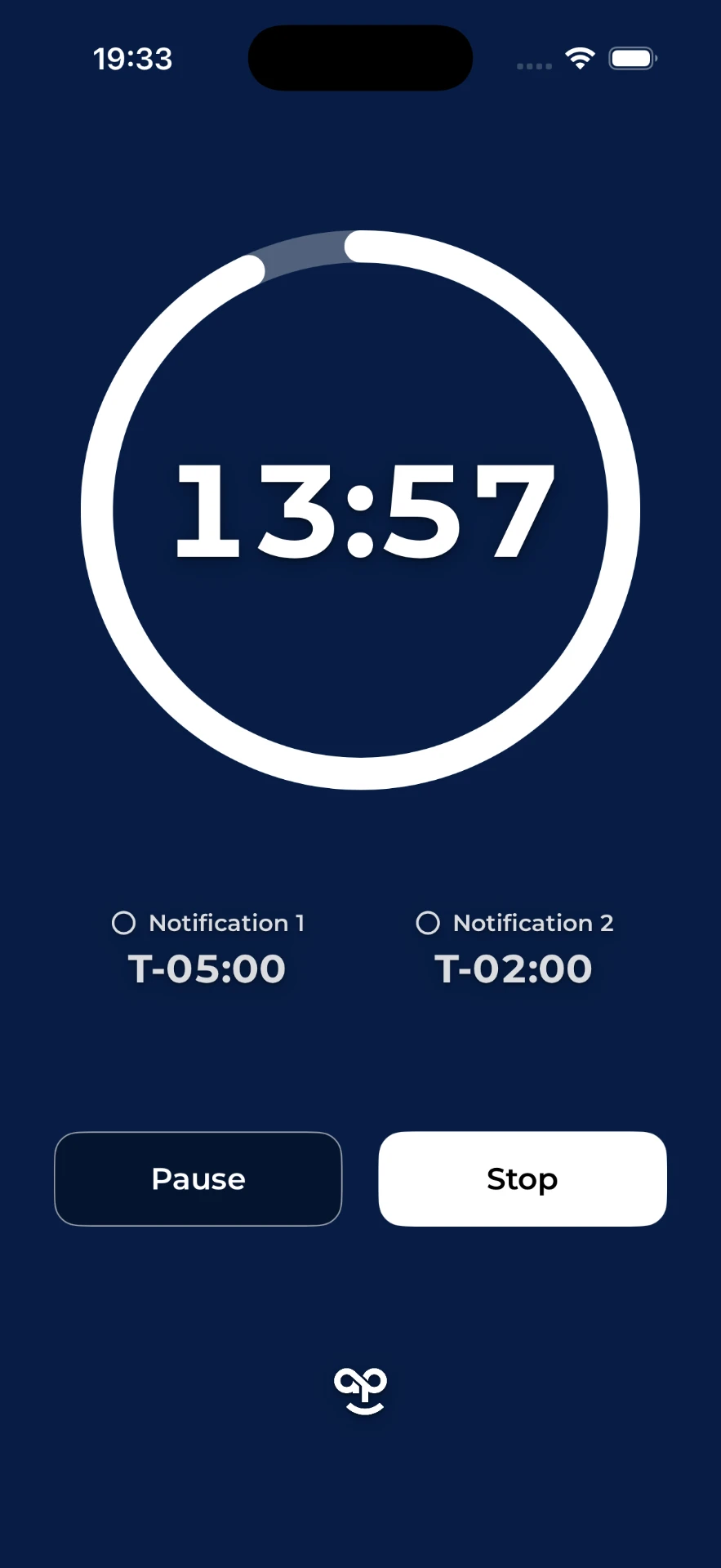
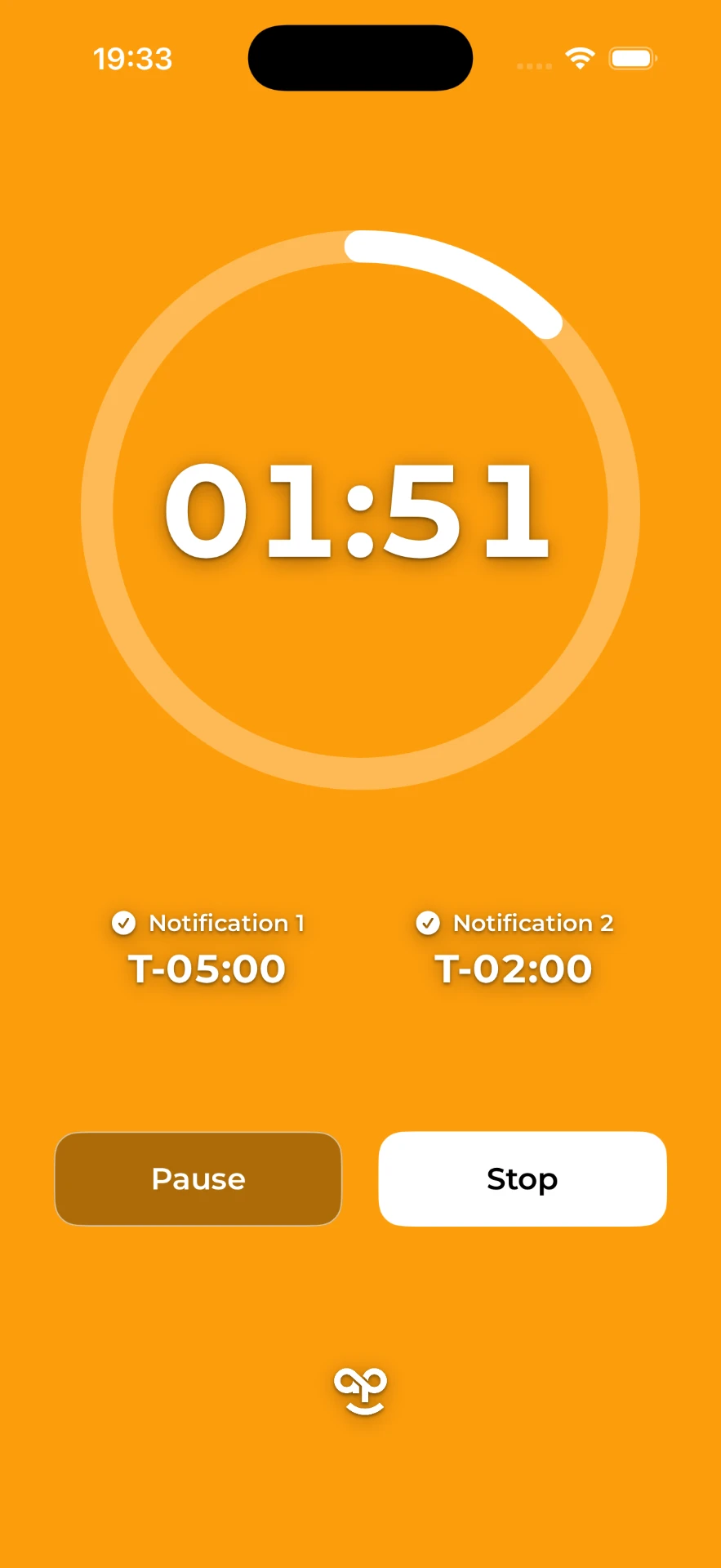
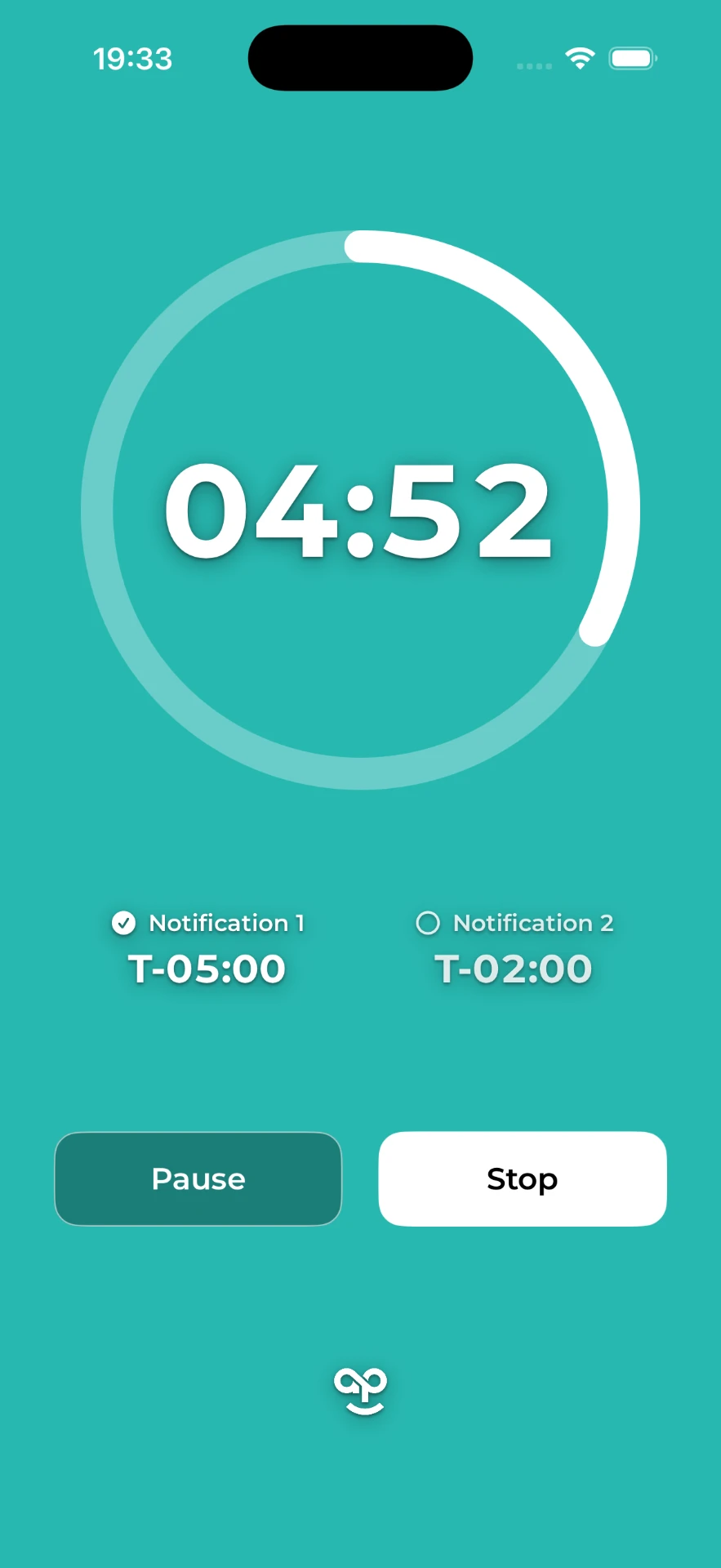
Set a total duration, add up to two heads up notifications before time runs out, and let the whole room read the state of play at a glance. The background shifts from navy to teal to orange to red as time passes, so nobody needs to stare at a phone to know how much time is left.
Built, tested in real rooms, and ready for App Store submission.
read it from the back row
One glance tells everyone in the room where they are. The colour does the talking, the big number confirms it, and the ring shows how much of the session is gone.
how it works
quick or custom durations
Tap 5, 10, 15, 30 or 60 minutes, or dial in any custom time down to the second.
two heads up alerts
Up to two optional notifications before time's up, each with its own sound pattern so people can tell them apart without looking.
colour the room can read
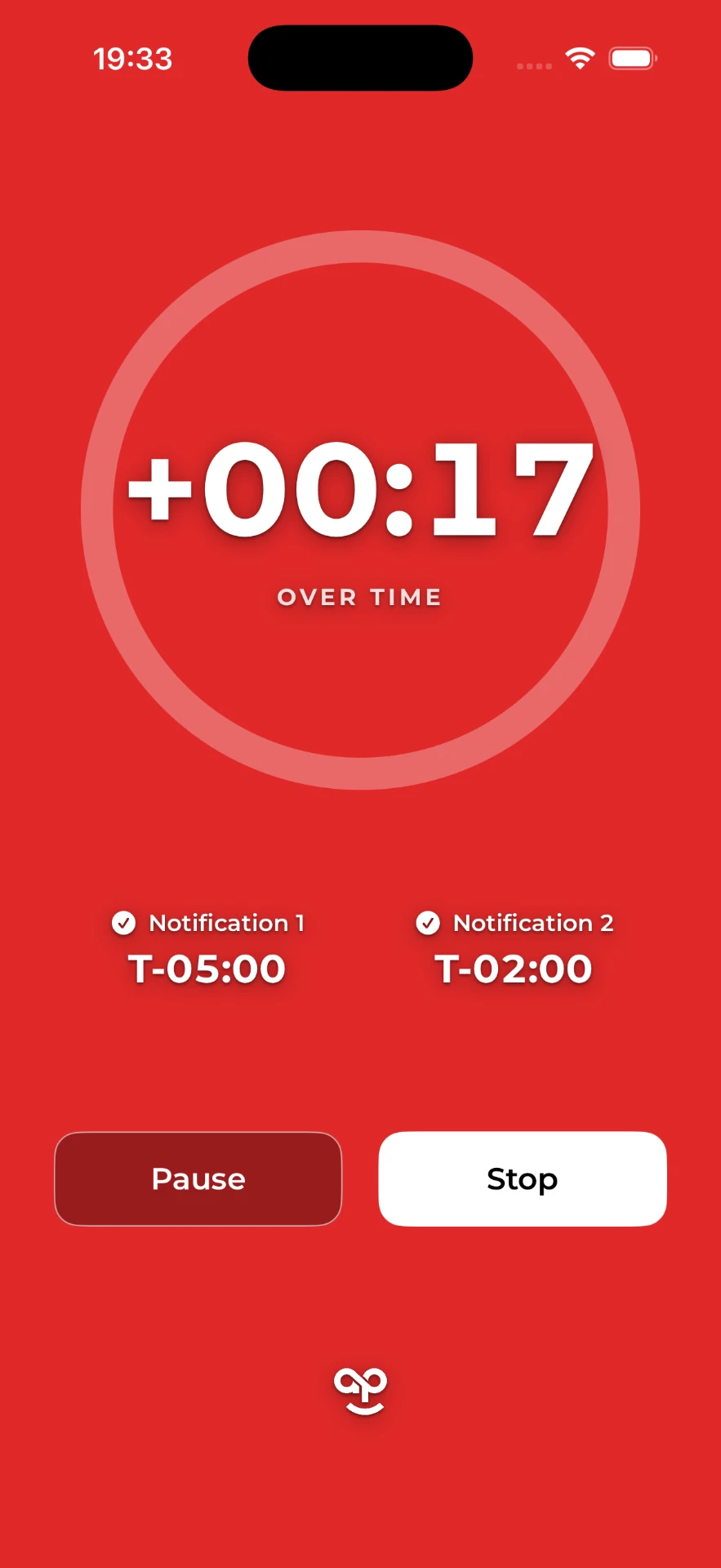
The whole screen shifts navy to teal to orange to red as time passes. Nobody has to squint at a phone to know where things stand.
counts into overtime
If time runs out the timer keeps going, counting up with periodic blips until someone stops it.
portrait and landscape
Prop it up, cast it, or leave it face up on the table. It works either way round.
free, no account
No sign up, no sales process, no upsell. Download it and run your meeting.
set up in ten seconds
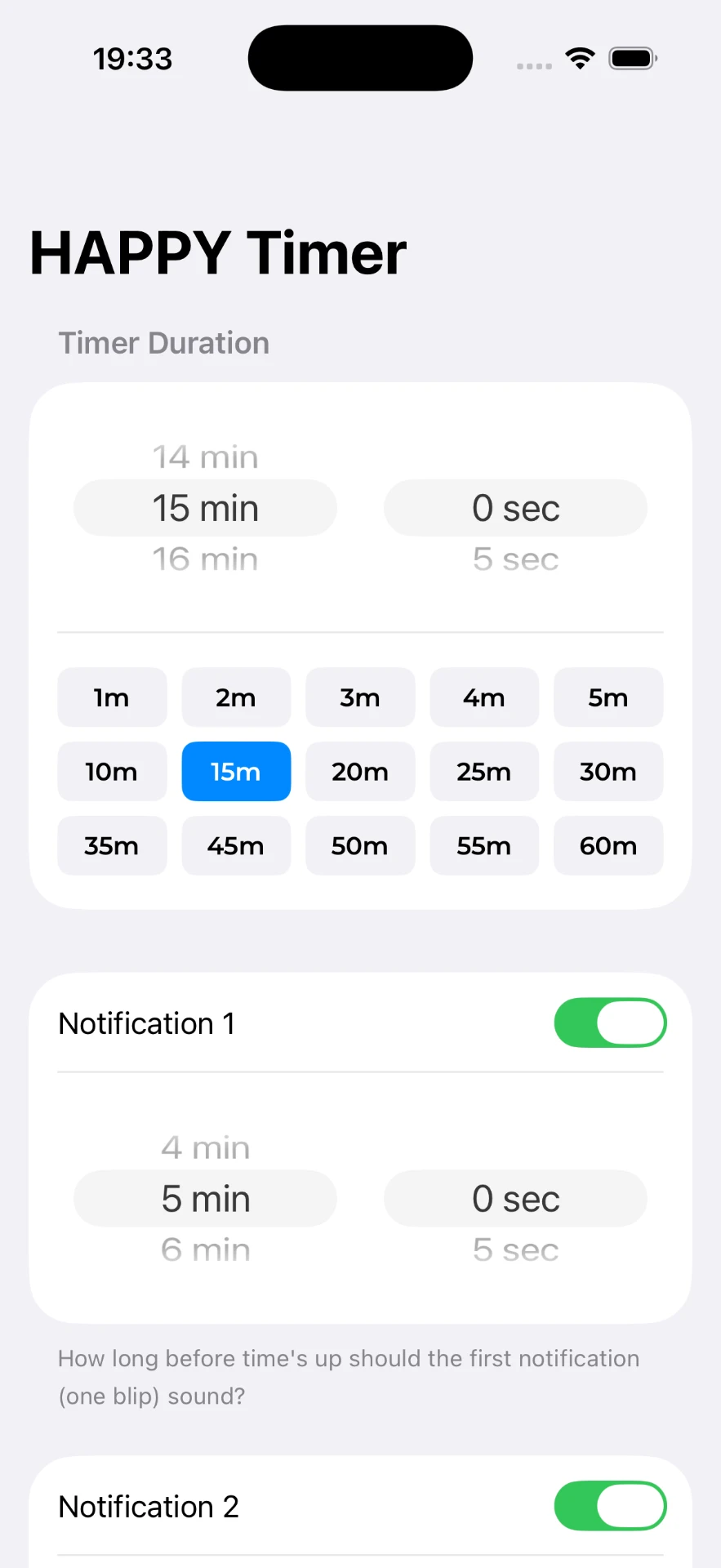
Pick a duration, decide whether you want one heads up, two, or none, and hit start. That's the whole setup. No projects, no accounts, no settings to learn before your session begins.
- Presets from 1 minute to 60 minutes, plus a custom picker
- Notification #1: sounds a single blip and turns the screen teal
- Notification #2: sounds a double blip and turns the screen orange
- Time's Up: sounds four blips and turns the screen red, still counting up until you stop it with soft reminder blips every 30 seconds
who it's for
Anyone whose job is keeping a group on a clock. It came out of Forum rooms and workshop rooms, where losing track of time costs the whole group, not just the speaker.
It sits under the Happy People Project umbrella alongside HAPPY Icebreakers and HAPPY Couple Questions: small, genuinely useful, free. It lives here rather than on a domain of its own.
- EO Forum moderators
- Meeting chairs
- Workshop and event facilitators
- Presenters and MCs
- Coaches and trainers
- Anyone keeping a group on a clock
want it for your next session?
HAPPY Timer is built and ready for App Store submission. Say hello if you want a nudge the day it goes live, or if you would like it on screen at your next event.